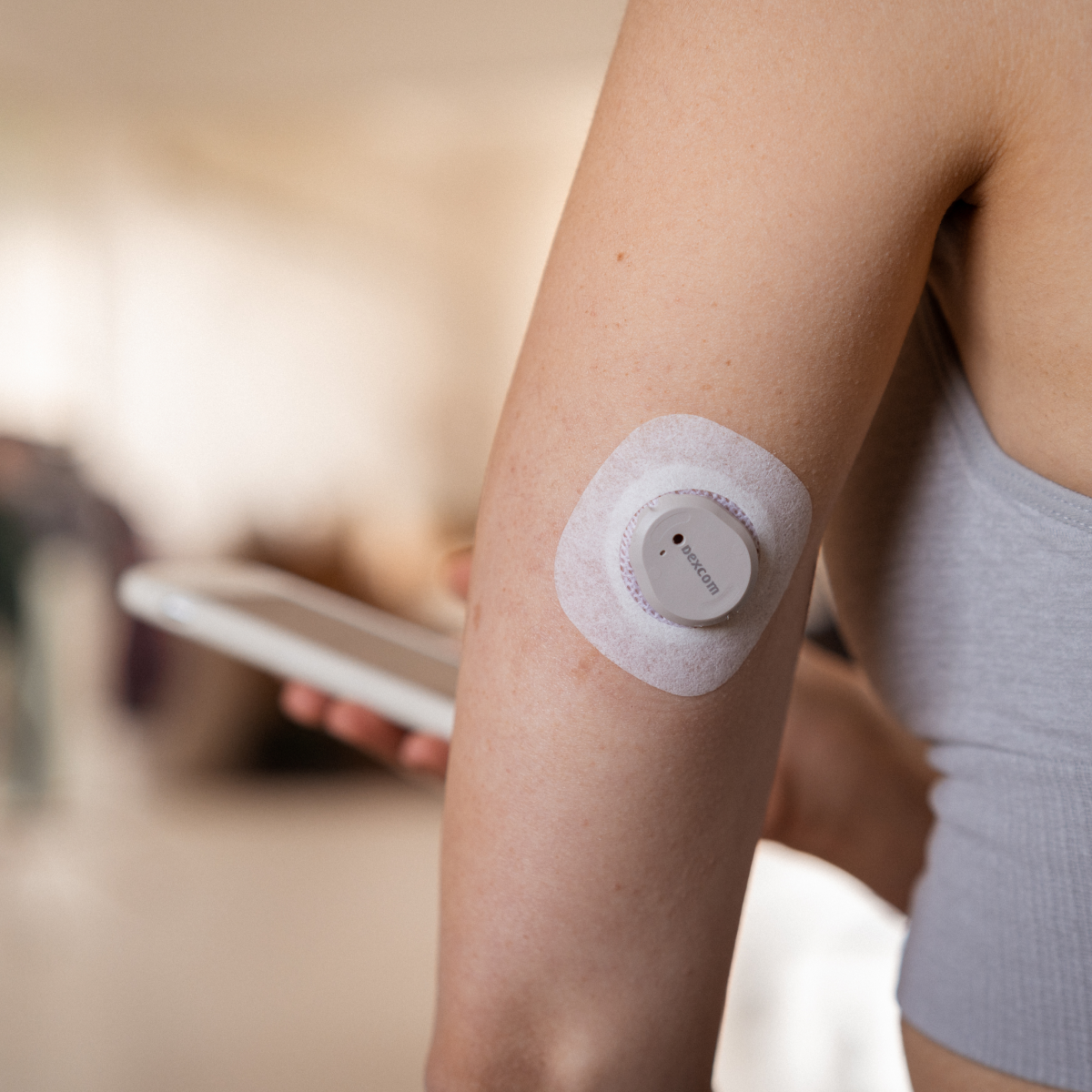
Traditional fingerstick testing provides snapshots of glucose at isolated moments. Between those checks, your glucose could spike after eating, drop during exercise, or drift low overnight without your awareness. Continuous glucose monitoring fills these gaps with a real-time view of your glucose levels, updated every five minutes, 24 hours a day.
You see not just where your glucose is, but where it's going and how fast it's changing. When your CGM shows glucose rising rapidly after a meal, you can take action before hyperglycemia sets in. Beyond immediate management, continuous data reveals patterns that fingerstick testing often misses, like consistent afternoon stress responses, overnight trends, or unexpected breakfast spikes.
The Dexcom G6 stands apart through three key characteristics that have made it one of the most prescribed CGM systems in Canada.
Factory calibration eliminates routine fingersticks: Earlier CGM systems required multiple fingerstick calibrations daily. The G6 is calibrated during manufacturing and does not require routine fingerstick calibrations to function. While you should keep a meter available for confirmatory checks in specific situations, daily calibrations are eliminated.
Broad integration creates flexibility: The G6 works as both a standalone monitoring system and as the sensor component in several automated insulin delivery (AID) systems. When paired with compatible insulin pumps like the Tandem t:slim X2 with Control-IQ or Omnipod 5, it enables the pump to automatically adjust insulin delivery. This flexibility means the G6 can adapt as your needs evolve.
Proven performance builds confidence: Approved by Health Canada in 2019, the G6 has accumulated years of real-world use across diverse populations. This established track record provides confidence that newer systems have not yet had time to build. Dexcom has since released the G7, which offers a smaller all-in-one sensor design and a 30-minute warmup, but the G6 remains widely used due to its compatibility with certain pump systems and its proven reliability.
To learn more about how the two CGMs compare, visit our article on the Dexcom G7.
The Dexcom G6 is indicated for people with diabetes ages 2 and older. In practice, it is most commonly used by people who are on intensive insulin therapy, such as multiple daily injections (MDI) or insulin pump therapy, because they can act on the detailed glucose information the system provides.
Successful use requires:
The system is not suitable for:
The Dexcom G6 measures glucose in the interstitial fluid just beneath your skin using a very thin sensor filament. The sensor communicates with a small reusable transmitter that snaps into the sensor housing. The transmitter sends glucose readings to your smartphone or receiver every five minutes.
Glucose moves from your bloodstream into interstitial fluid over several minutes, creating a typical lag of about 5 to 10 minutes. This is normal and affects all CGM systems. During stable glucose periods, the lag is minimal. During rapid rises or falls, you may notice a larger difference between your CGM reading and a fingerstick.
Each sensor provides 10 days of continuous monitoring. After a two-hour warmup period, the sensor works continuously until the 10-day session ends, at which point it automatically stops and you must start a new sensor.
Applying sensors: Every 10 days, you apply a fresh sensor using a one-button automatic applicator. The insertion is quick, and many users find it easier and less painful than frequent fingersticks. Approved wear sites include:
Many users find morning sensor changes convenient so the two-hour warmup finishes before they rely heavily on readings. Others prefer evening changes so the warmup happens overnight. The "best" timing is whatever consistently fits your routine and safety.
Transmitter management: The reusable transmitter typically lasts about three months. When you apply a new sensor, you snap the same transmitter into the new sensor housing. The app provides warnings as the transmitter battery approaches the end of its life so you have time to arrange a replacement.
Maintaining adhesion:
To help your sensor stay on for the full 10 days:
Consider using:
Even with a factory-calibrated CGM, fingersticks still have a role. Check with a meter when:
The Dexcom G6 provides:
Trend arrows indicate how quickly your glucose is changing. For example:
The exact arrow definitions come from Dexcom's training materials, but the key idea is simple: more arrows means faster movement.
In practice, the arrow is often more important than the number itself. For example:
You can set high and low glucose alerts that match your personal targets and comfort level, within safety limits built into the system.
The Urgent Low Soon alert warns you when the system predicts you will reach 55 mg/dL within about 20 minutes, giving you time to treat and prevent severe hypoglycemia.
Dexcom's Clarity software and reports help you look beyond individual readings to see patterns over days and weeks. For example:
The Ambulatory Glucose Profile (AGP) overlays all your glucose readings on a typical 24-hour day, making patterns easier to see. Your diabetes care team can use these reports to help fine-tune your insulin doses, meal planning, and activity strategies.
The Dexcom Share feature allows you to share your glucose data in real time with up to 10 followers using the Dexcom Follow app on their smartphones. Followers can receive the same key alerts you do, providing an extra safety net.
Common use cases:
You stay in control of who can follow your data and what alerts they receive.
Formal clinical studies and real-world data show that the Dexcom G6 offers high accuracy and meaningful benefits for many people with diabetes.
User satisfaction surveys commonly highlight:
Many people start by using the G6 as a standalone monitoring tool while continuing their existing insulin regimen. The continuous data helps refine:
Automated insulin delivery (AID). The Dexcom G6 integrates with several AID systems available in Canada, including:
When used with these pumps, the G6 enables features such as automatic basal rate adjustments, automated correction boluses in certain systems, and safety features to reduce hypoglycemia.
The G6 works with:
The cost of using the Dexcom G6 depends on several factors, including your province or territory, public funding programs, and private insurance.
Approximate supply costs (before insurance):
Taken together, this means the total monthly cost of using G6 (sensors plus transmitter, excluding the one-time receiver) is often in the range of $450-$600, before insurance or public program coverage. These are approximate list-price ranges; actual out-of-pocket costs can be higher or lower depending on your coverage and supplier.
For those paying out of pocket, CGM costs can be similar to or somewhat higher than intensive fingerstick monitoring. Traditional meters and test strips for frequent testing (for example, 8–10 times daily) can easily reach $200–$300 per month. CGM replaces most of these strips while providing continuous data instead of isolated readings.
The Dexcom G6 may be a strong fit if you:
The G6 may be less ideal if you:
Ultimately, the choice of CGM should be made in partnership with your diabetes care team. They can help you weigh the pros and cons of G6 versus other systems, taking into account your treatment regimen, lifestyle, preferences, and coverage.
Getting started with the Dexcom G7 generally involves a few steps. A prescription is required when using insurance or provincial coverage programs, but it is not required for out-of-pocket purchases.
Many people are able to start using their G6 within a few weeks after prescription, depending on how quickly coverage is approved and supplies are shipped.
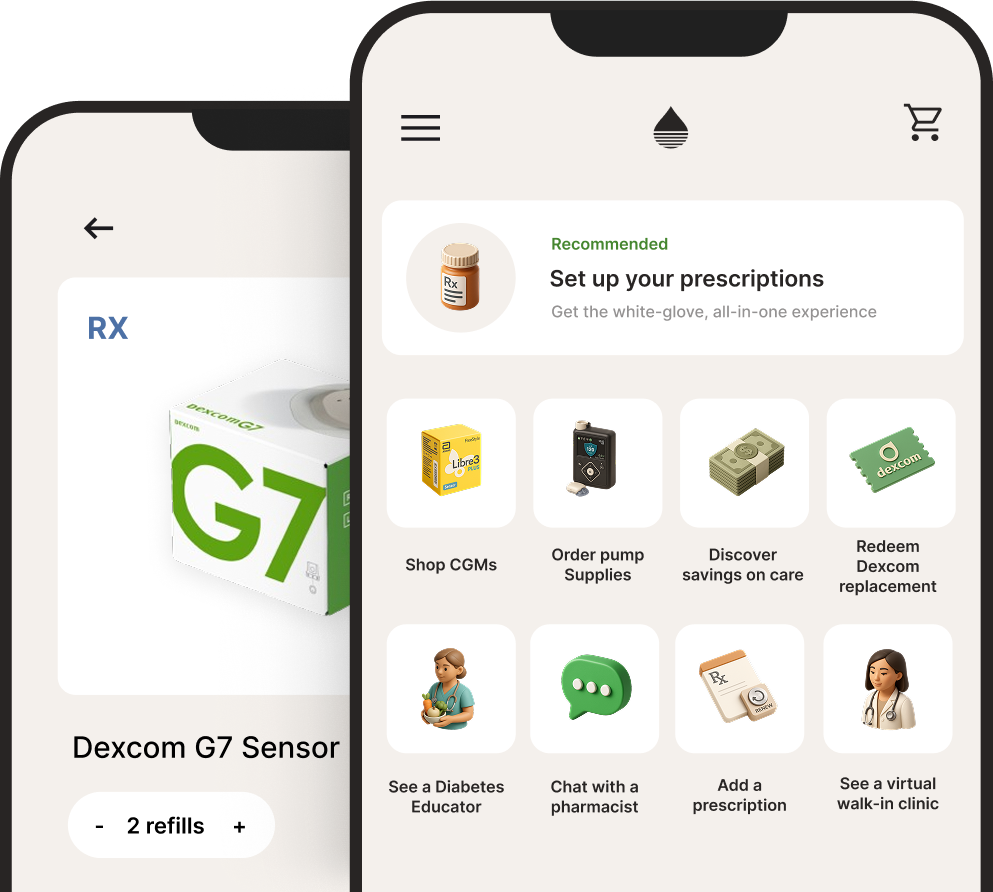
Endor carries the Dexcom G6 and makes it easy to purchase and start using real-time CGM. We offer fast delivery and guide you through ordering, coverage, and setup so you can begin using your G6 with ease and confidence. Download the Endor Health app to get started.
Welsh, J.B., Zhang, X., Puhr, S.A., Johnson, T.K., Walker, T.C., Balo, A.K., & Price, D. (2019). Performance of a factory-calibrated, real-time continuous glucose monitoring system in pediatric participants with type 1 diabetes. Journal of Diabetes Science and Technology, 13(2), 254–258. https://doi.org/10.1177/1932296818798816
The information in this article is for educational purposes only and should not replace advice from your healthcare provider. Always consult with your diabetes care team before making changes to your diabetes management.
For more information:



.svg)
.svg)