.svg)
Omnipod® 5 and DASH are now available through Endor Health with free delivery and direct insurance billing.
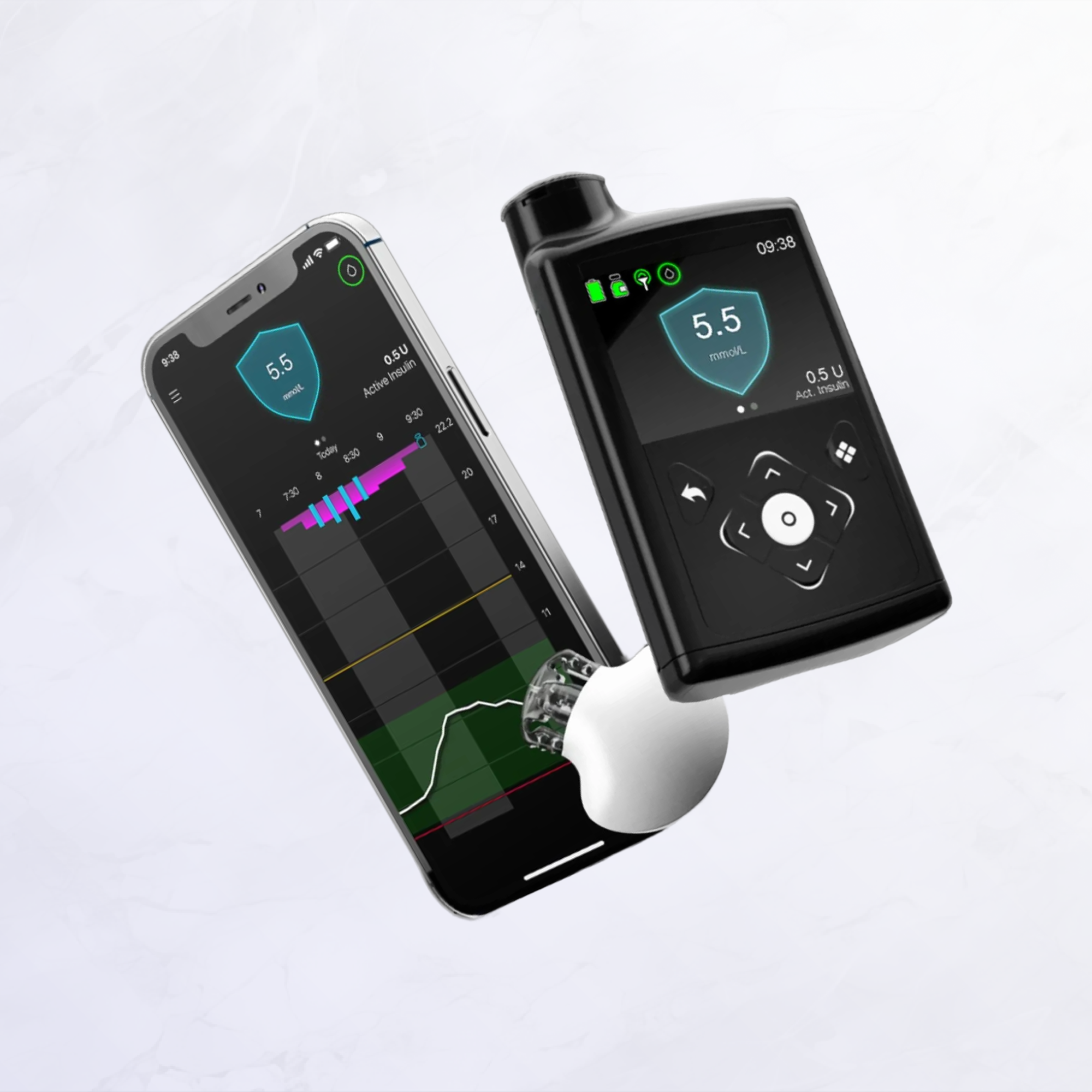
Most CGM systems function as standalone monitoring tools. You wear the sensor, view your glucose readings on your phone, and use that information to make insulin dosing decisions yourself. The Guardian 4 takes a different approach. While it provides the same real-time glucose readings, its primary purpose is to serve as the "eyes" of an automated insulin delivery system.
When paired with the MiniMed 780G insulin pump, the Guardian 4 sends glucose readings to the pump every five minutes. The pump's SmartGuard algorithm uses this data to automatically adjust your basal insulin delivery, deliver correction boluses, and respond to rising glucose through Meal Detection. Meal Detection can help address missed or underestimated meal boluses, but meal boluses are still required when using SmartGuard. This tight integration means the sensor isn't just informing your decisions; it's enabling the system to manage much of your insulin delivery automatically.
For more information on how the MiniMed 780G system works with SmartGuard automation, visit our article on the Medtronic MiniMed 780G.
The Guardian 4 introduces several improvements over Medtronic's previous Guardian Sensor 3, particularly in reducing the daily burden of sensor management.
Factory calibration removes routine fingersticks: Earlier Medtronic sensors required fingerstick calibrations every 12 hours to maintain accuracy. The Guardian 4 is factory-calibrated and does not require routine fingerstick calibrations. The pump may request a blood glucose check in certain situations when entering or maintaining SmartGuard mode, and you can enter blood glucose readings from your meter to help optimize sensor performance when needed.
Authorized for use with MiniMed 780G in Canada: In Canada, Guardian 4 is authorized and sold for use with the MiniMed 780G system and Guardian 4 transmitter. This focused design allows for optimized communication and performance within the Medtronic ecosystem.
In the United States, Medtronic has begun offering an Abbott-made option called the Instinct sensor for the MiniMed 780G; Canadian availability has not been announced. Medtronic has also launched newer sensors in other markets. Canadian availability and regulatory status can change, so check with Medtronic Canada for current options.
Seven-day wear aligned with infusion set changes: Each Guardian 4 sensor provides up to seven days of continuous monitoring. This matches the wear time of Medtronic's Extended infusion set, allowing some users to change both their sensor and infusion set on the same schedule. However, actual sensor life can vary, with some sensors ending before the full seven days.
Regulatory approval for use with MiniMed 780G: On May 2, 2023, Medtronic Canada announced it received a Health Canada licence for the Guardian 4 sensor to be used in conjunction with the MiniMed 780G system for management of type 1 diabetes.
The Guardian 4 measures glucose in the interstitial fluid beneath your skin using a thin sensor filament inserted just under the skin's surface. After insertion, a small reusable transmitter snaps onto the sensor base. The transmitter powers the sensor, processes the glucose measurements, and wirelessly sends readings to your MiniMed 780G pump every five minutes.
Understanding sensor lag: Like all CGM systems, the Guardian 4 measures glucose in interstitial fluid rather than blood. Glucose moves from your bloodstream into this fluid over several minutes, creating a typical lag of 5 to 10 minutes between blood glucose changes and sensor readings. During periods of stable glucose, this lag is minimal and rarely noticeable. During rapid rises or falls, such as after eating or during exercise, you may notice a larger difference between a fingerstick reading and your sensor value. This is normal and affects all CGM technologies.
Important: CGM readings complement (and don't fully replace) blood glucose monitoring. Use a meter when symptoms don't match readings or when instructed by your care team. When the MiniMed 780G is operating in manual mode, therapy adjustments should be based on blood glucose meter readings rather than sensor values.
You should check with a meter when:
Sensor insertion every seven days: Every seven days (or when the sensor ends prematurely), you apply a new Guardian 4 sensor using a one-button automatic inserter. The insertion process is quick, and most users find it comparable to or easier than frequent fingersticks.
Medtronic recommends the back of the upper arm for Guardian 4 sensor insertion in Canada. For optimal sensor performance, choose a flat area on the back of your upper arm where you can "pinch an inch" and that's free of scar tissue. Always follow the insertion sites and instructions listed in your local user guide.
Some users prefer to insert sensors in the morning so the two-hour warmup completes during the day when they can more easily monitor the process. Others choose evening insertion so warmup happens overnight. The key is finding a routine that works reliably for you.
Transmitter management: The reusable transmitter contains a non-replaceable battery with an expected service life of approximately 12 months. The transmitter itself is rechargeable—when you insert a new sensor every seven days, you detach the transmitter from the old sensor, recharge it using the supplied charger, and snap it onto the new sensor base. The transmitter charger uses one AAA battery and typically recharges the transmitter in 15 to 20 minutes, though an older transmitter may take up to two hours. The pump will alert you as the transmitter approaches the end of its service life so you have time to arrange a replacement.
Keeping sensors secure: To help your sensor stay attached for the full seven-day wear period:
Warmup and initialization: After inserting a fresh sensor, you must wait two hours for the warmup period to complete. During this time, the sensor stabilizes and begins producing accurate readings. Once warmup is complete, you'll be able to enter SmartGuard (automated mode). The pump may prompt for a blood glucose check in certain situations when entering or maintaining SmartGuard.
The Guardian 4 provides continuous information displayed on your MiniMed 780G pump screen:
Trend arrows and what they mean: Trend arrows help you understand not just where your glucose is, but where it's going. The arrows indicate both the direction and rate of glucose change:
The arrow is often more clinically important than the number itself. A glucose of 150 mg/dL with a flat arrow may require no action, while the same 150 mg/dL with double arrows down could mean you need to treat quickly to prevent hypoglycemia. When using SmartGuard mode, the pump uses both the glucose value and the trend information to make automated insulin delivery decisions.
Alerts and notifications: The Guardian 4 and MiniMed 780G system work together to alert you when glucose readings move outside your target range or when the sensor needs attention. You can customize high and low glucose alerts to match your personal targets and comfort level, within safety limits built into the system.
The system includes predictive low alerts that warn you before glucose reaches the low threshold, giving you time to treat and prevent hypoglycemia. During SmartGuard operation, the system also uses predictive algorithms to reduce basal insulin delivery or suspend insulin delivery entirely when low glucose is predicted, providing an extra layer of protection.
Beyond real-time monitoring, the Guardian 4 data integrates with Medtronic's ecosystem of reporting and connectivity tools:
CareLink platform: The CareLink web-based platform allows you to upload pump and sensor data to review detailed reports, including:
Your diabetes care team can access these reports to help fine-tune your SmartGuard settings, insulin-to-carb ratios, and correction factors.
MiniMed Mobile app: The MiniMed Mobile app (available on compatible smartphones) allows you to:
Care partners using the app can monitor your glucose and receive key alerts, providing an extra safety net for parents, caregivers, and partners.
Guardian 4 vs. Dexcom G6 and G7: The Guardian 4 takes a different approach than Dexcom's CGM systems. While the Dexcom G6 and G7 are designed for both standalone use and integration with multiple pump brands, in Canada the Guardian 4 is authorized for use with the MiniMed 780G. Dexcom G7 is typically indicated for up to 10 days with a 30-minute warmup (market and version dependent). Dexcom also offers a G7 15 Day variant in some markets, which uses a 60-minute warmup. The G7 features an all-in-one sensor design without a separate transmitter. However, if you're committed to the MiniMed 780G system, the Guardian 4 is specifically optimized for SmartGuard performance.
Guardian 4 vs. Guardian Sensor 3: The Guardian 4 improves on the previous Guardian Sensor 3 by eliminating the need for routine 12-hour calibrations. Both sensors offer seven-day wear and similar physical design, but the Guardian 4's factory calibration significantly reduces daily maintenance. For users upgrading from the MiniMed 770G with Guardian Sensor 3 to the MiniMed 780G with Guardian 4, the reduction in calibration burden is one of the most appreciated improvements.
The cost of Guardian 4 sensors depends on your insurance coverage, provincial funding programs, and purchasing arrangements. Many users obtain Guardian 4 sensors through their MiniMed 780G supply arrangements, bundled with pump supplies. Pricing varies by purchasing program and coverage.
Coverage considerations:
For detailed information on CGM coverage by province, visit Our guide to CGM coverage in Canada.
The Guardian 4 is indicated for people ages 7–80 years with type 1 diabetes who use the MiniMed 780G insulin pump system. The SmartGuard feature is designed for people with a total daily insulin dose between 8 and 250 units per day.
The Guardian 4 is the right choice if you:
The Guardian 4 may not be ideal if you:
The choice to use the Guardian 4 is typically made as part of the decision to use the MiniMed 780G system. Your diabetes care team can help you understand whether the complete system aligns with your treatment goals and lifestyle.
Talk with your care team: Discuss whether the MiniMed 780G system with Guardian 4 is appropriate for your diabetes management. Your care team will verify that you meet the clinical criteria.
Verify coverage: Before ordering, confirm provincial or territorial funding eligibility, private insurance coverage, and any prior authorization requirements.
Ordering and training: Guardian 4 sensors are typically obtained through Medtronic Canada or authorized diabetes supply distributors. Confirm current eligibility and pricing with Medtronic Canada. Comprehensive training on sensor insertion, transmitter attachment, and troubleshooting is provided through your diabetes clinic and Medtronic's support program.
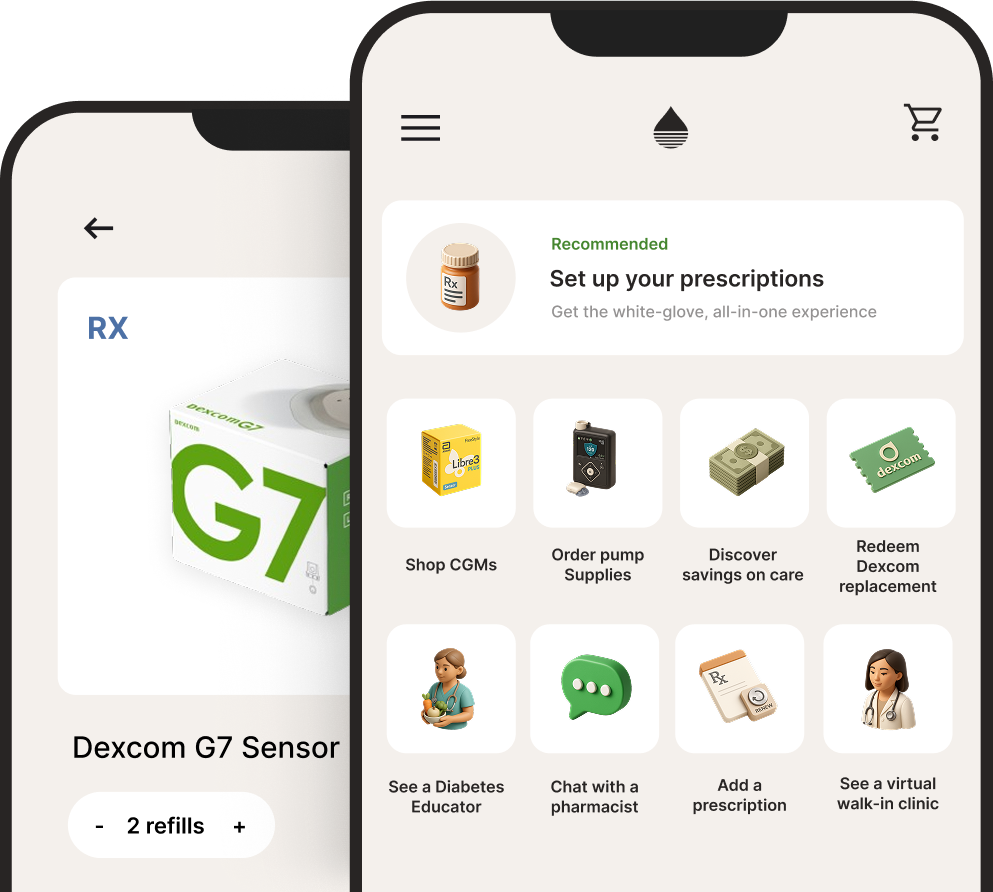
Endor carries MiniMed 780G pump supplies and Medtronic sensors, making it easy to access the supplies you need for your automated insulin delivery system. We offer fast delivery and help you navigate ordering, coverage, and setup. Download the Endor Health app to get started.
The information in this article is for educational purposes only and should not replace advice from your healthcare provider. Always consult with your diabetes care team before making changes to your diabetes management.
For more information:



.svg)